
From a quick screening to glasses at the door.
Five steps connect the kiosk, the shopper’s phone, your online store and our lab. An attendant is there for the first steps, and support follows the last.
Step 1
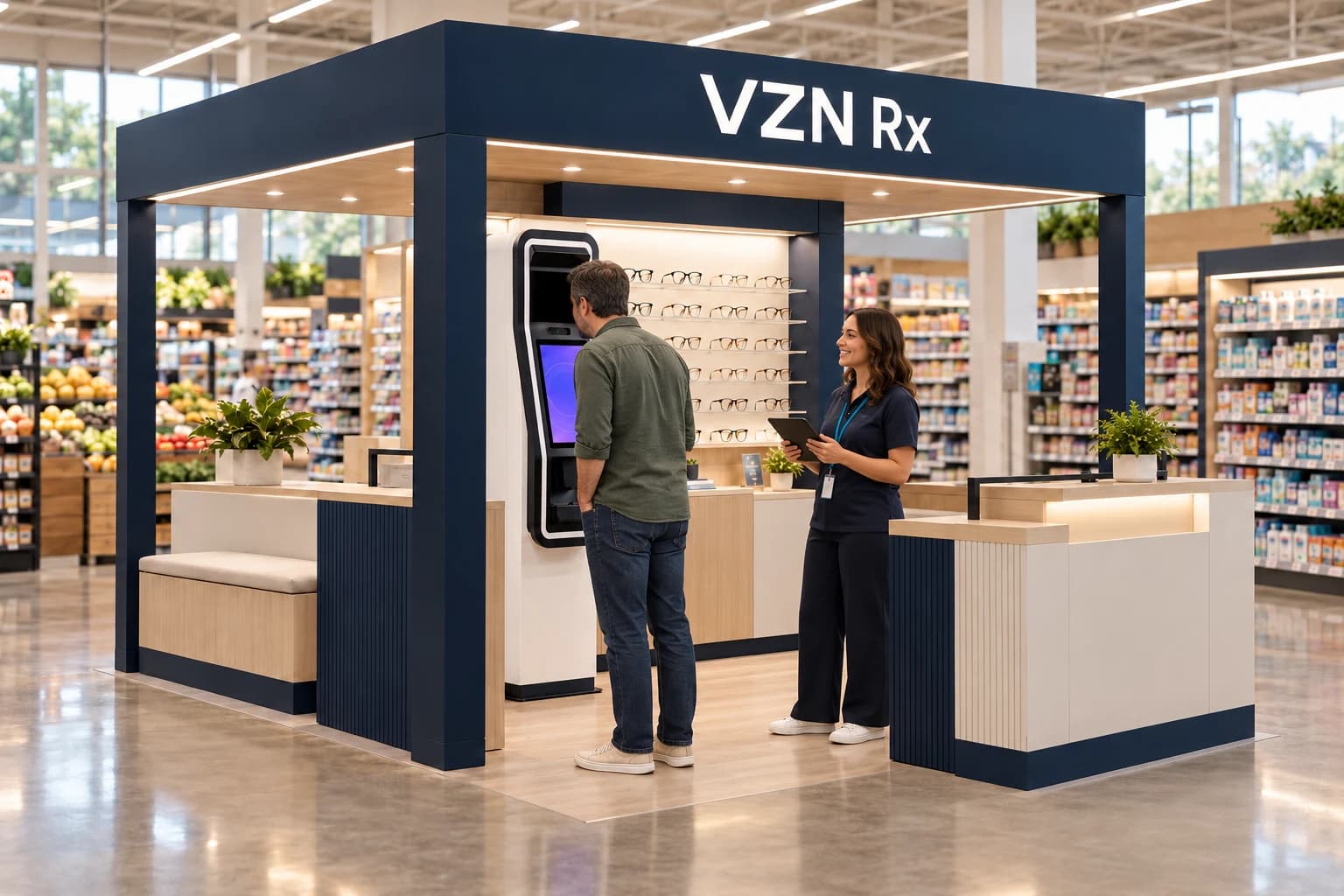
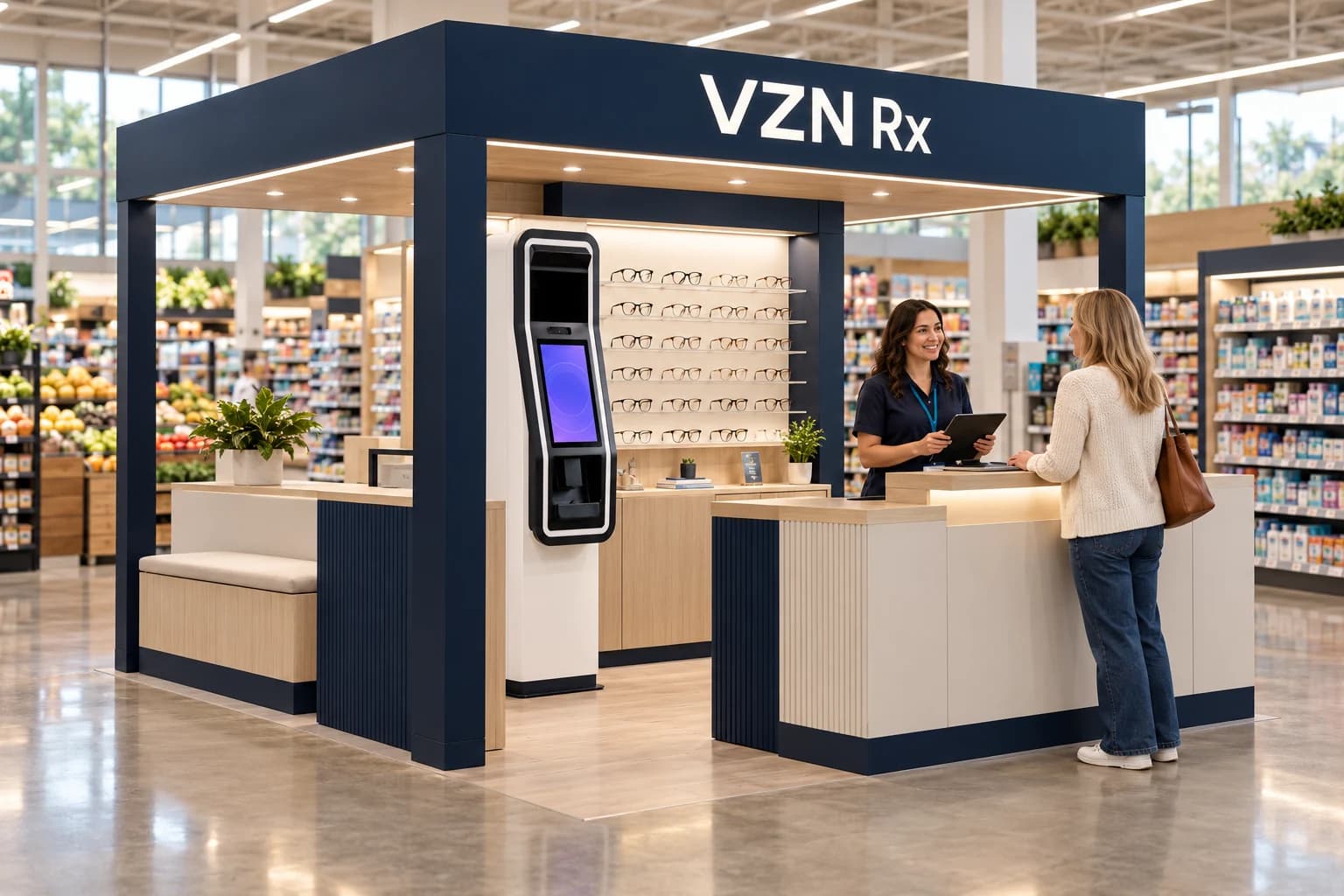
Screen at the kiosk
A shopper walks up to the screening station with an attendant nearby. They enter their own details on the station, follow the on-screen prompts, and the attendant helps whenever they need it.
Step 2
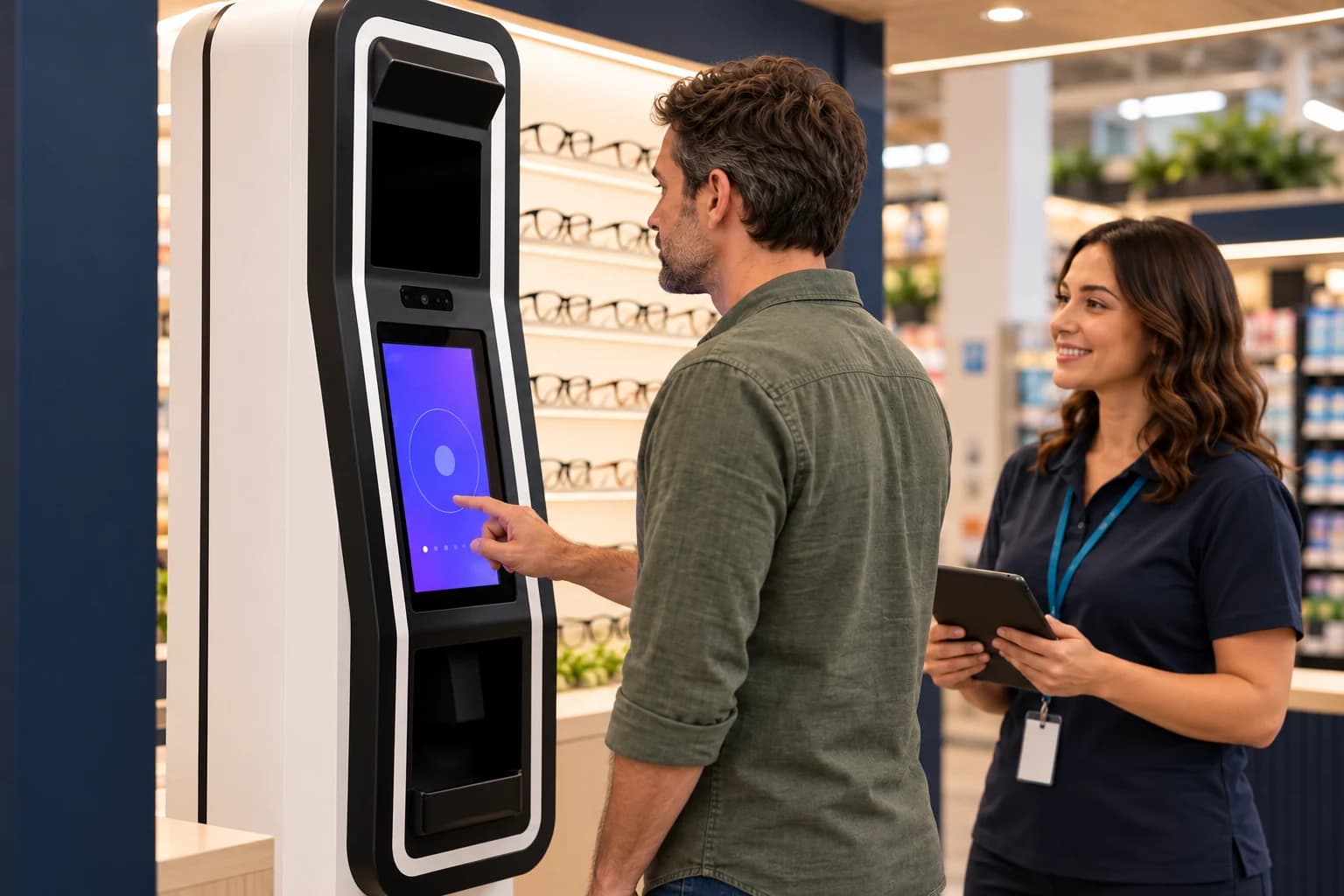
Save the Rx to a VZN profile
When the screening and any required review are complete, the shopper’s prescription is saved electronically to their VZN profile and made available on their phone. There is no paper to carry or lose.
Step 3
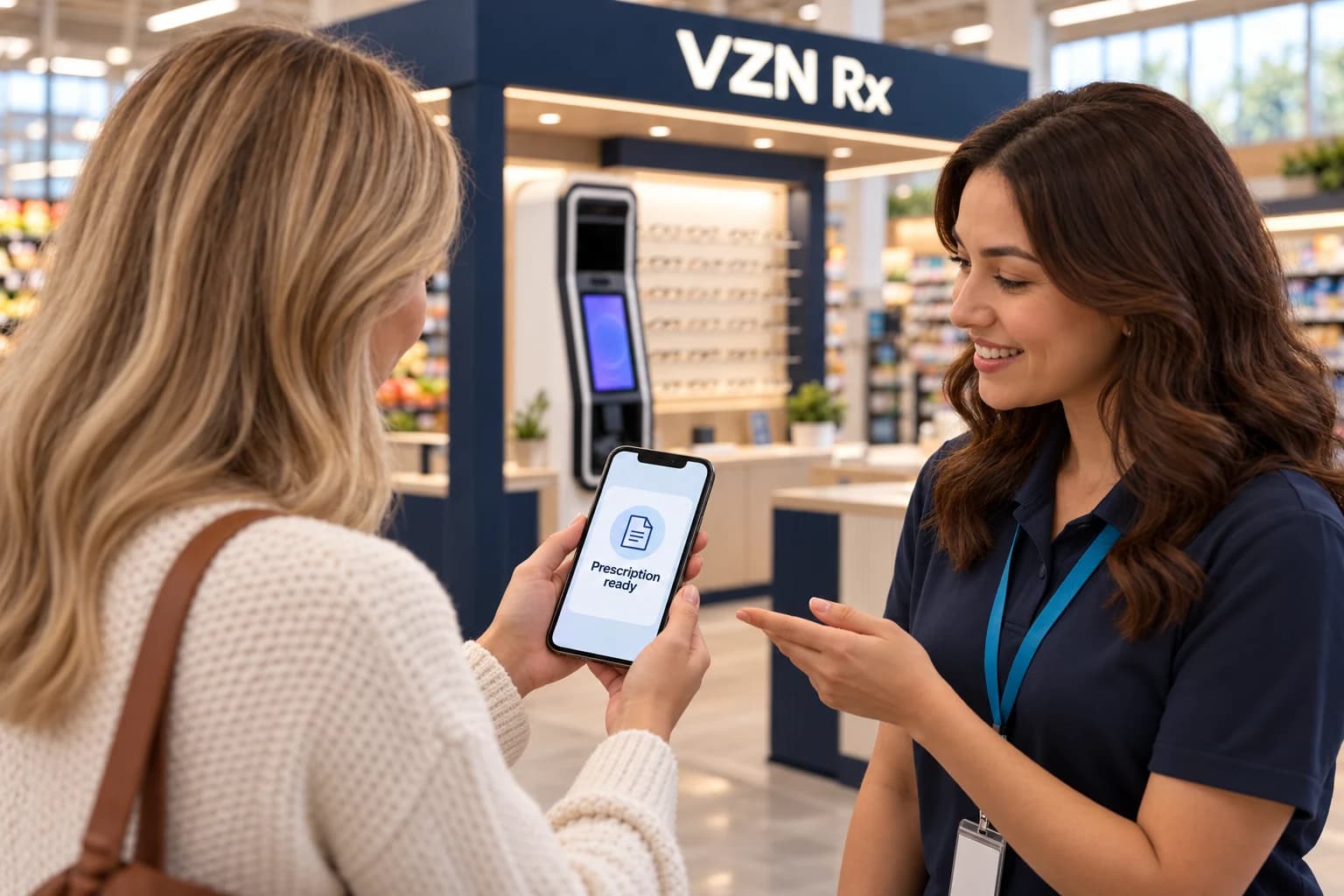
Choose frames
Shoppers try frames at the kiosk display, with a mirror and an attendant to help, or browse on their phone. The kiosk display and the online assortment are planned together.
Step 4
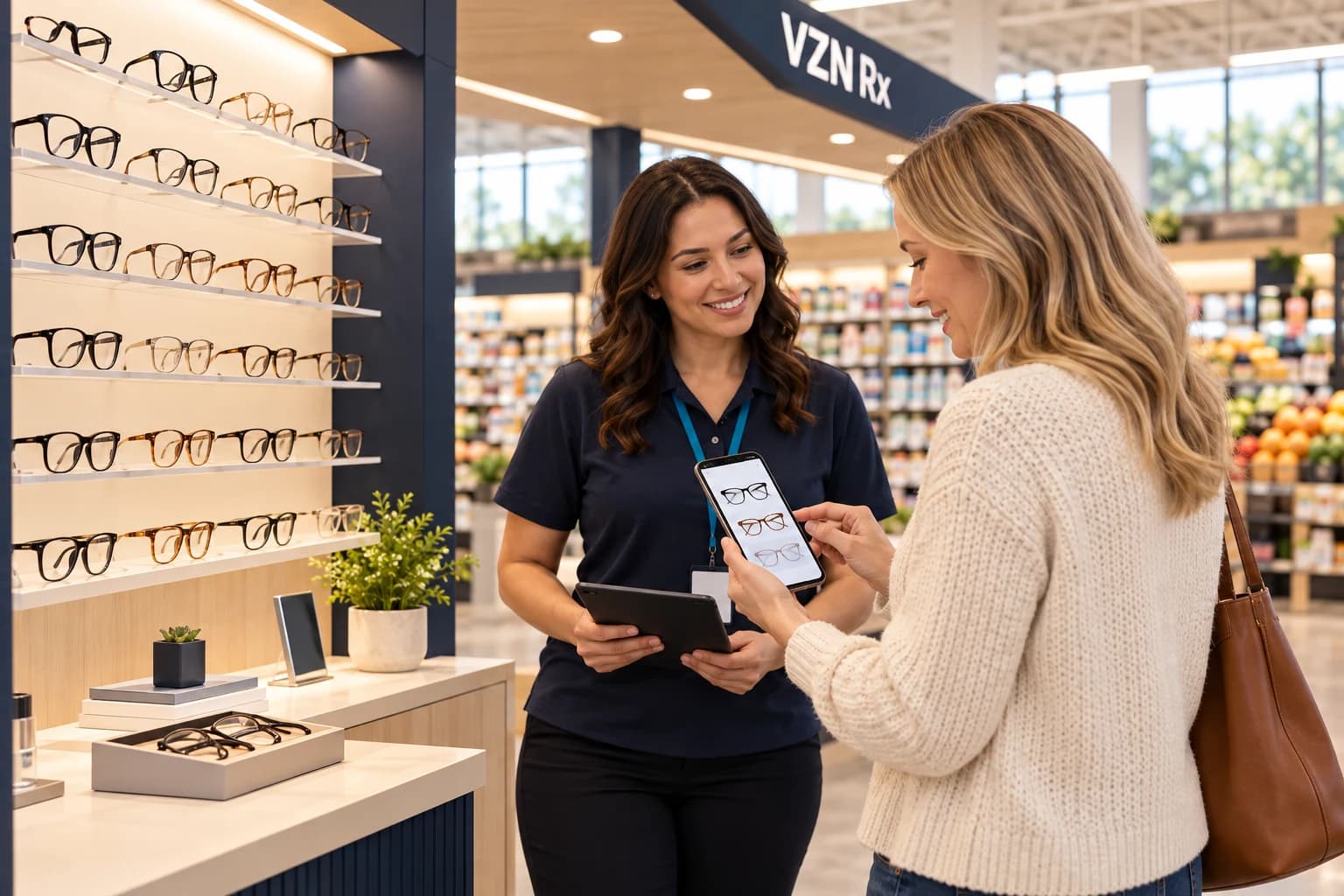
Order on your online store
The shopper picks lenses and checks out on your online eyewear store, powered by VZN Commerce, with the attendant on hand if they want help. Their saved Rx is available to the order, so they do not retype it.
Step 5
We make it and ship it
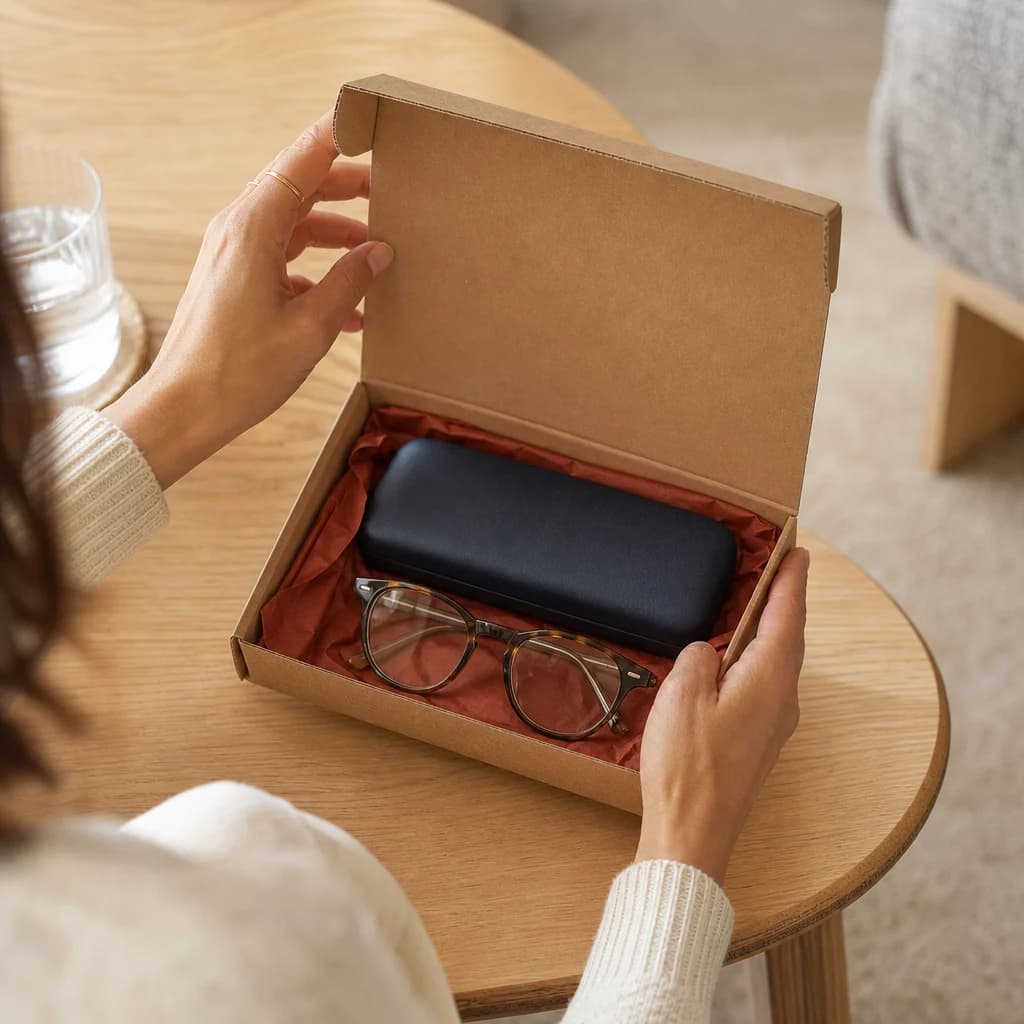
Our lab makes the glasses, checks quality, and sends them to the shopper or to an agreed collection point. Questions and adjustments follow the support route we agree with you before launch.
Planned
A profile that can travel
The VZN profile is designed so shoppers can later use their Rx to buy glasses from other online eyewear retailers. That is a planned direction, not part of the first launch. At launch, shoppers order on your online store.
Planning questions
Before you get started
Does the shopper need an appointment?
The kiosk is designed for walk-up use with an attendant. Whether a shopper needs any follow-up with a licensed eye care provider depends on their screening and on the rules where the kiosk operates.
Is a screening the same as an eye exam?
No. A screening is not a comprehensive eye health exam and does not replace regular eye care. See Screening & Care for what the kiosk does and does not do.
Where does the shopper’s information go?
Shoppers enter their own details on the kiosk. Those details are stored in their VZN profile under the privacy notice for the configured service, which we define with you before launch. This website never collects them.
What if a shopper does not buy glasses at the kiosk?
Their Rx stays in their VZN profile, and they can choose frames and order later on your online store.
Illustrative flow. Exact steps, timing and services are confirmed for each deployment.
Turn the details into a pilot plan.
Bring your location, shoppers and operating questions. Together, we can work through the scope and responsibilities.